
CopyPast
Your Intelligent Clipboard History Manager
CopyPast is a powerful clipboard management application that helps you keep track of your copy history, making it easy to access and reuse your copied content anytime.
See CopyPast in Action
Key Features
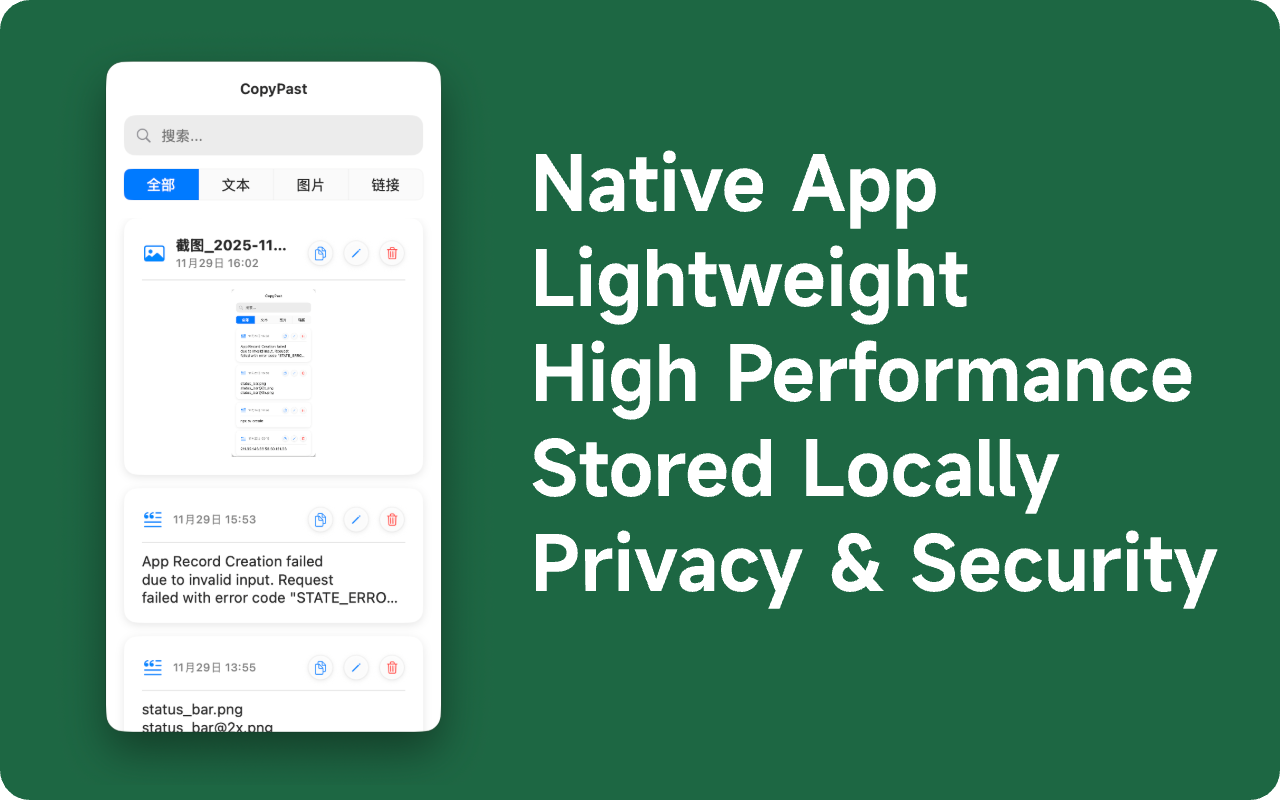
Native Application
Built as a native application for optimal performance and seamless integration with your operating system.
Small Size
Lightweight and efficient, CopyPast takes up minimal disk space while delivering maximum functionality.
High Performance
Fast and responsive, CopyPast handles your clipboard history with lightning speed and efficiency.
Local Storage
All your clipboard data is stored locally on your device, ensuring quick access without internet dependency.
Secure & Private
Your clipboard history remains private and secure, with no cloud sync or external data sharing.
Functionality
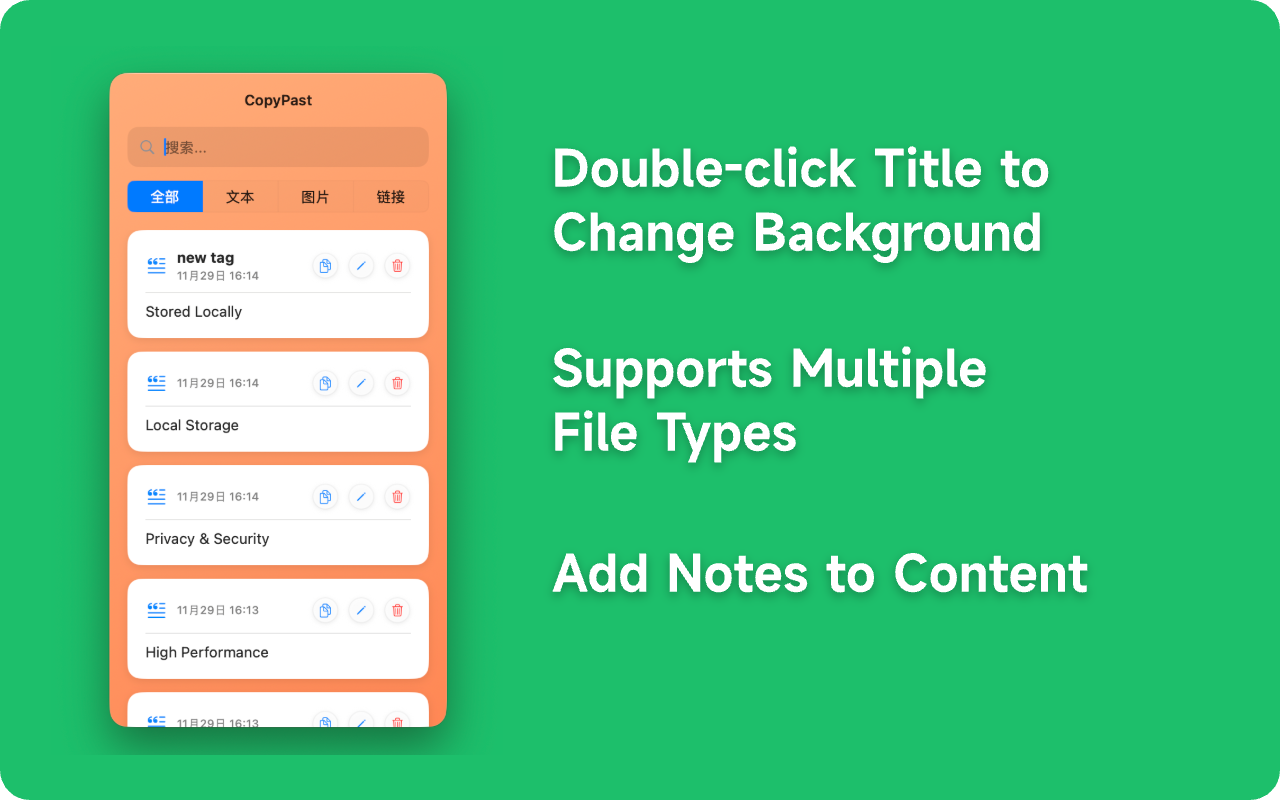
Double-click title to change background
Customize your view instantly by double-clicking the title bar. Personalize CopyPast to match your style and preferences.
Multi-format Support
Compatible with text, images, and files. CopyPast handles all types of content you copy, making it versatile for any workflow.
Add Notes
Annotate your clipboard history easily. Add notes to your copied items to remember context and organize your content better.